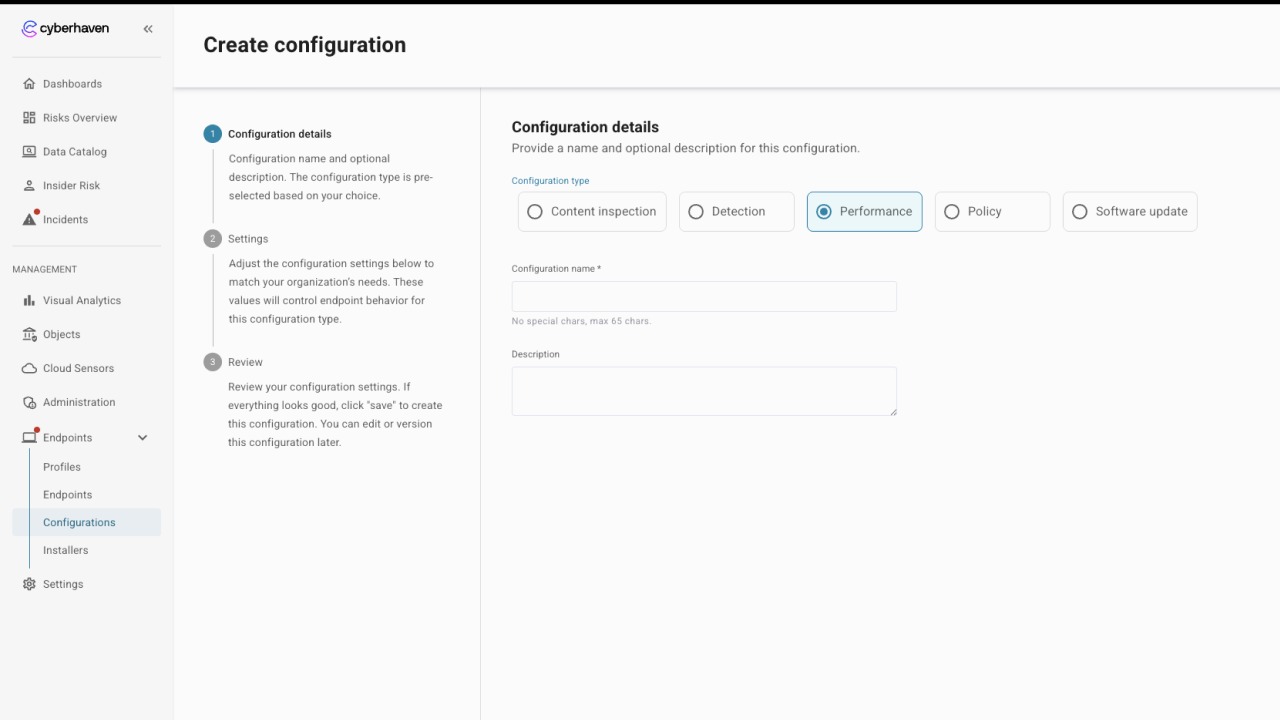
Configurations
Configurations house a set of grouped configuration options in a reusable object that can be applied to one or more profiles. The settings included have been grouped to help give a clear understanding of the implications of all settings and to help with reusability. Every profile must have a configuration associated for each of the available types even if this is the default provided by Cyberhaven.
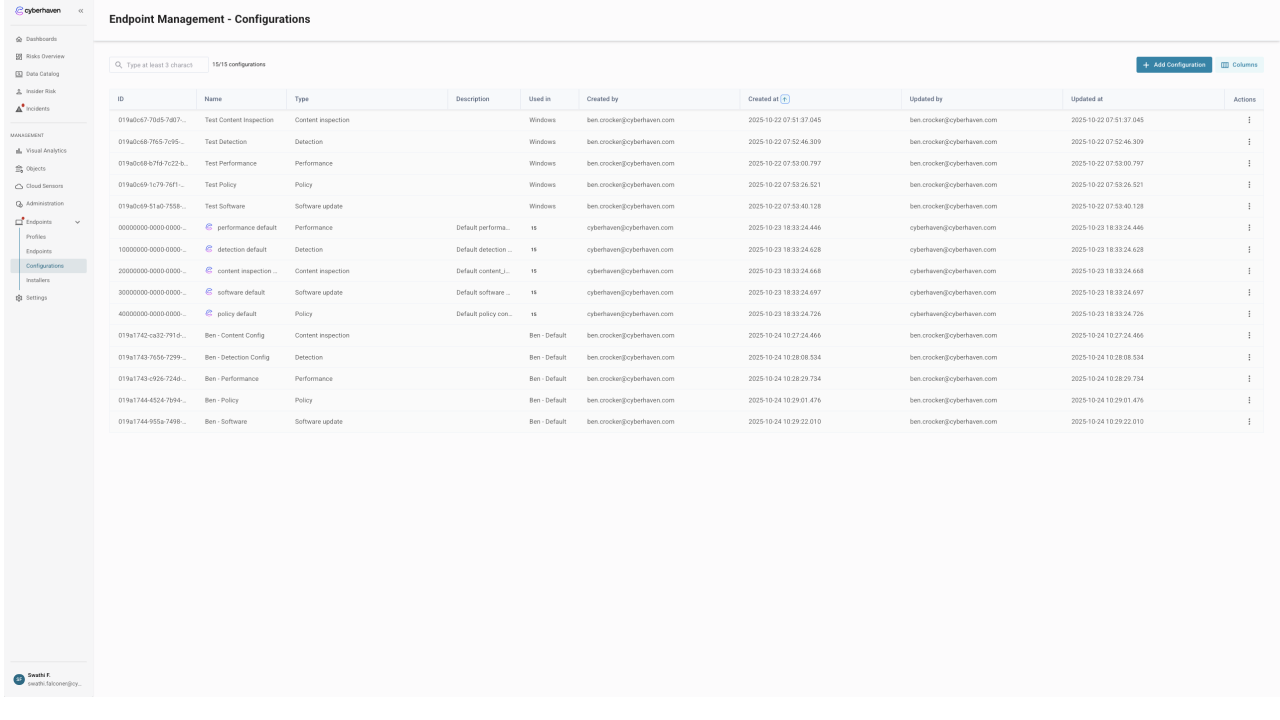
Default Configuration Settings
Default Cyberhaven configurations are under the control of Cyberhaven. Updates to the default configurations will be documented in release notes but will be applied automatically when environments are updated.
To prevent unexpected changes to default configurations it may be recommended to make copies of these configurations for use and then review release notes and updates to understand if new settings or defaults should be applied.
Configurations can be created to have a one-to-many relationship with profiles, giving predictable behavior over wider groups of devices when required. For example, it may be preferable to have a single performance configuration used in an environment to provide a predictable expectation of the impact of deploying the Cyberhaven agent.
In contrast, the protection configuration applied to profiles may be different for every profile, as policy requirements can be very specific. The separation of configurations allows for the possibility of both a simple and complex matrix of connectivity to support configuration needs while still allowing for reusability and standardization when possible.
The following configuration types are available.
Performance
The performance configuration includes all settings related to the performance and impact of an endpoint sensor. These settings include those related to CPU, disk, and memory utilization and help tune the sensor to either increase the performance of a given function or limit resource usage so the sensor runs within expected thresholds. Sensor performance settings may have an impact on the ability of the sensor to perform actions and may be used in conjunction with settings in the detection configuration to limit the impact of sensor activity.
Detection
Detection settings provide control over the ability of the sensor to collect telemetry or act upon the events that are recorded. Some settings include notes about the potential impact of enabling a feature, as they may or may not have performance or utilization implications.
Inspection
The configuration for Inspection allows control over the content inspection capability for a profile. This includes the ability to enable or disable specific functionality as well as create configurations for inspection of content related to both Data in Motion via content inspection policies and Data at Rest by defining the file types and locations that are of interest.
Protection
The protection configuration allows for the selection of applicable policies to use with profiles. Choosing the list of active policies enables targeted policy application for groups of devices and provides a way to evaluate policy changes in specific groups before rolling them out to the entire environment.
Software
Software configuration allows control over the various software components associated with the endpoint sensors. Utilizing a software configuration allows for gradual deployment of updates.