MobileIron Installation
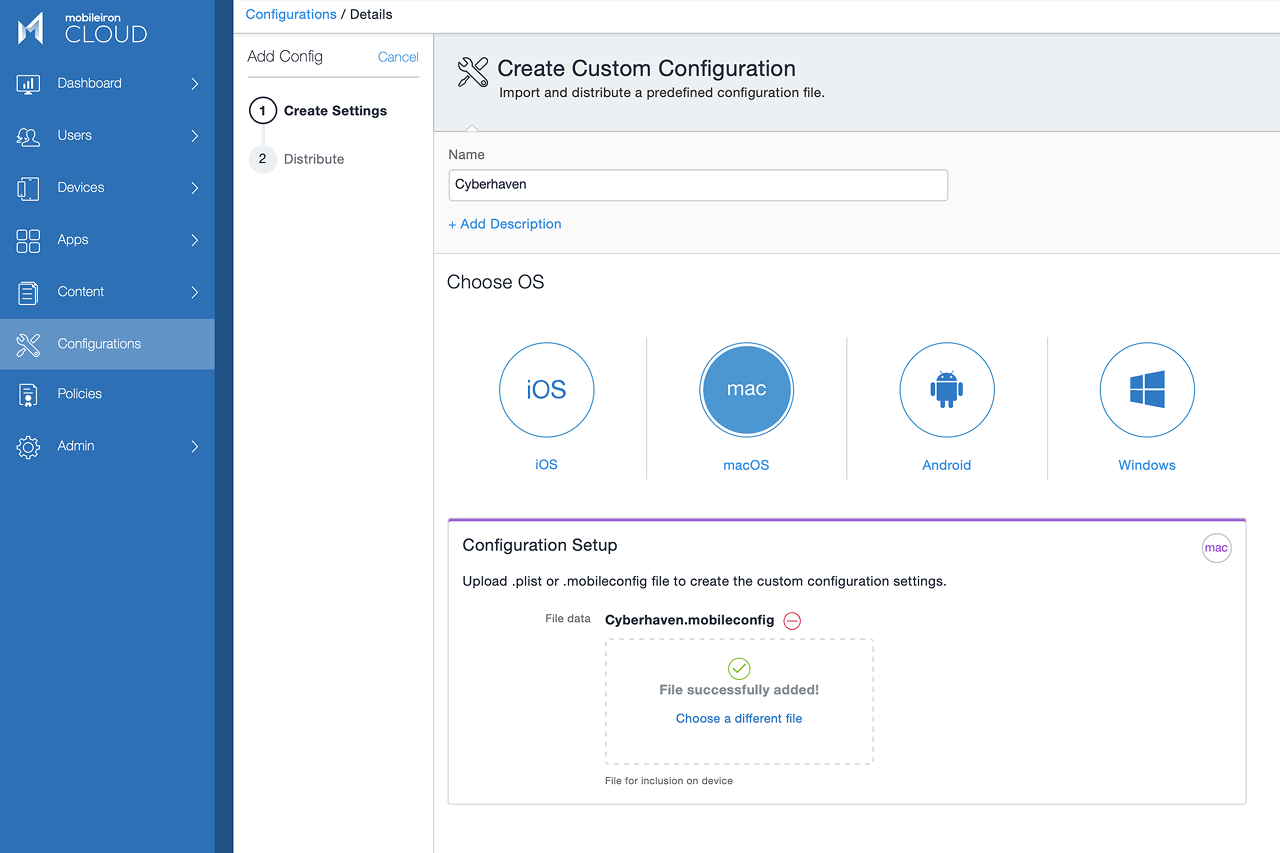
- Upload the Cyberhaven configuration profile.
- Configure deployment to the Device channel and the devices in scope.
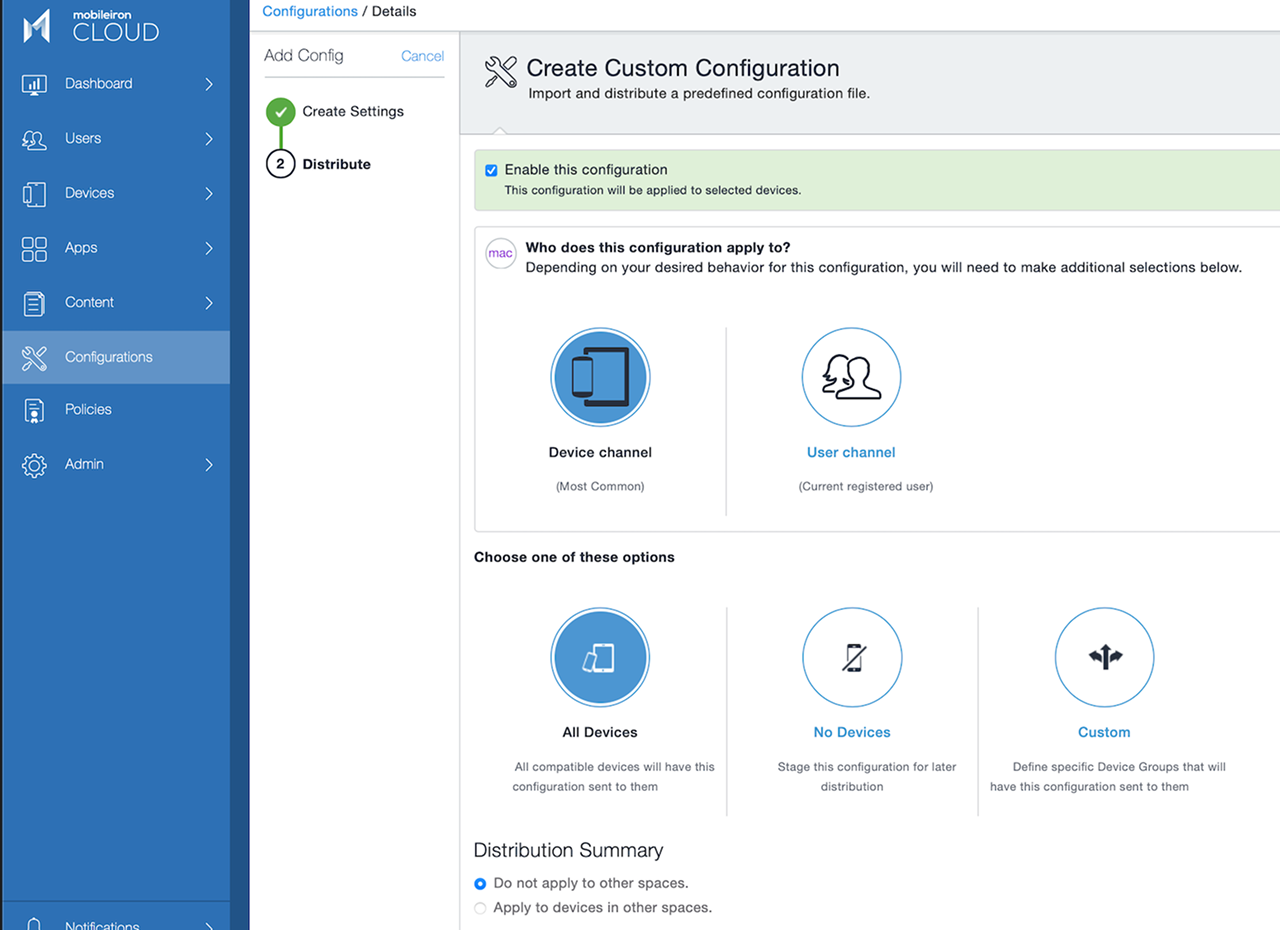
- Save the profile and deploy to all users in scope.
- Now you can deploy the custom profile to all target users. Wait for the deployment to be complete.
- After all users have successfully installed the profile, upload the Cyberhaven agent and deploy it to the same group.
Known Issue: VPN Configuration Prompt
Some MDM solutions may prompt for a VPN hostname when uploading the Cyberhaven MDM profile (version 2.0.8 or later), due to the inclusion of inline proxy support for Microsoft Teams traffic inspection. If prompted, enter 127.0.0.1 as the VPN hostname to proceed with the upload. For details about Microsoft Teams support, see Microsoft Teams Support with Windows and macOS Sensors