macOS tamper protection using Jamf extension attributes
The Cyberhaven Sensor has built-in checks that are automatically reported on the Endpoints Sensors page in the Cyberhaven Console. The platform reports the status of the endpoints where the integrity self-check has failed on the Endpoint Sensors page.
The steps described in this article are optional and only required when you want to provide additional protection and automated remediation actions when the Cyberhaven macOS Sensor was tampered with. While this article is for Jamf, you could adapt it to other MDMs that provide the ability to run scripts.
-
Create an extension attribute in Jamf using the script located at
/Applications/Cyberhaven.app/Contents/Resources/status.sh. You can obtain this script from a valid install of Cyberhaven or by downloading it from here. The script will output ERROR if the user tampered with the installation, or OK otherwise.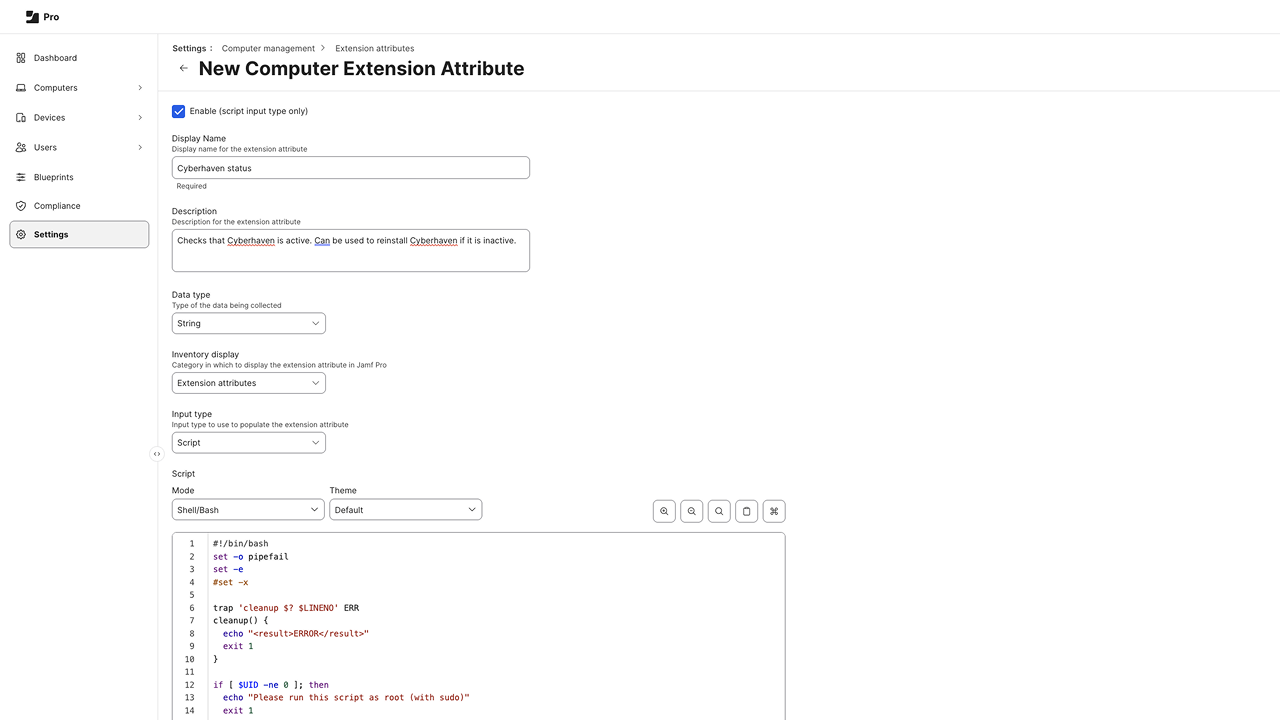
-
Create a Smart Group and select the extension attribute "Cyberhaven status" you just created and the ERROR value as the criteria.
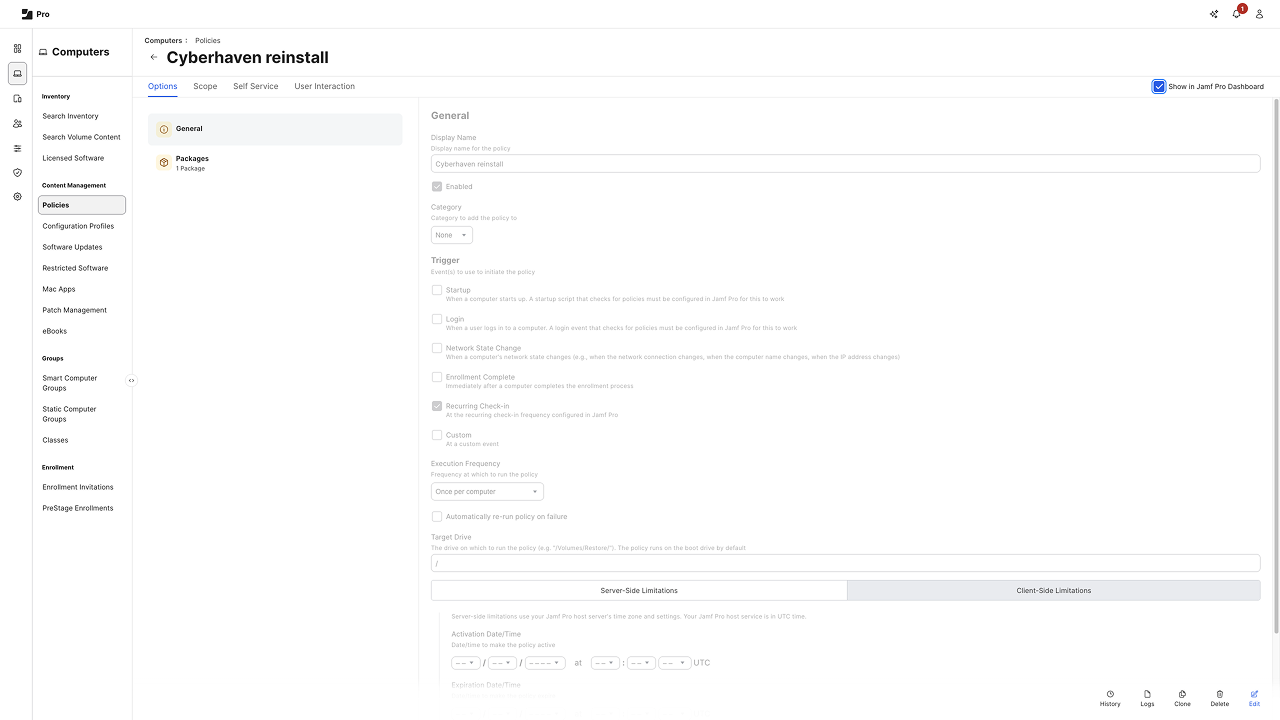
-
Finally, select the smart group you just created in the scope.
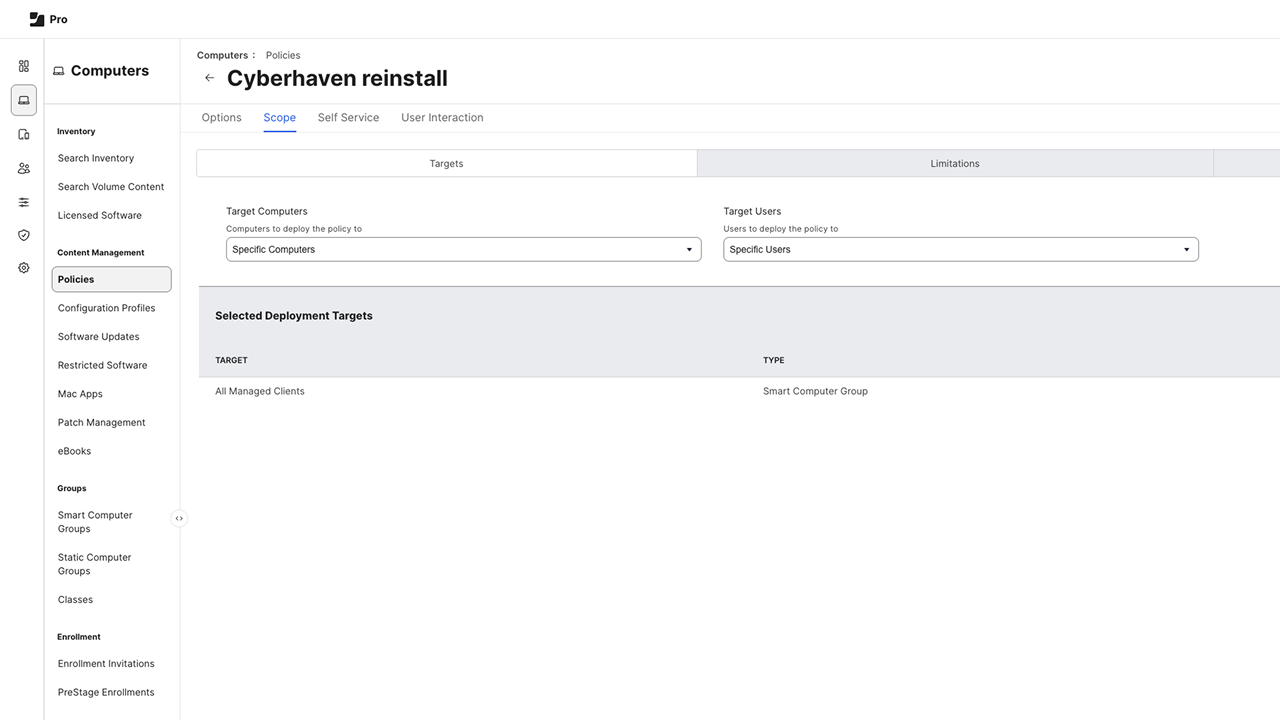
Now Cyberhaven will automatically be reinstalled on all computers where the Cyberhaven installation was tampered with.