Manage macOS Sensor as a Login Item using Mosyle MDM
If you use Mosyle, you can create a configuration profile that keeps Cyberhaven running as a managed login item.
- Log in to the Mosyle Admin Console with permissions to create Management Profiles.
- Go to Management.
- Under Management Profiles, choose Login Items.
- Select Add New Profile.
- Enter a unique Profile Name.
- Go to the Background Items tab.
- Under Allow in the Background, choose Team ID from the dropdown.
- Enter 6KKW3K37TU as the Team ID.
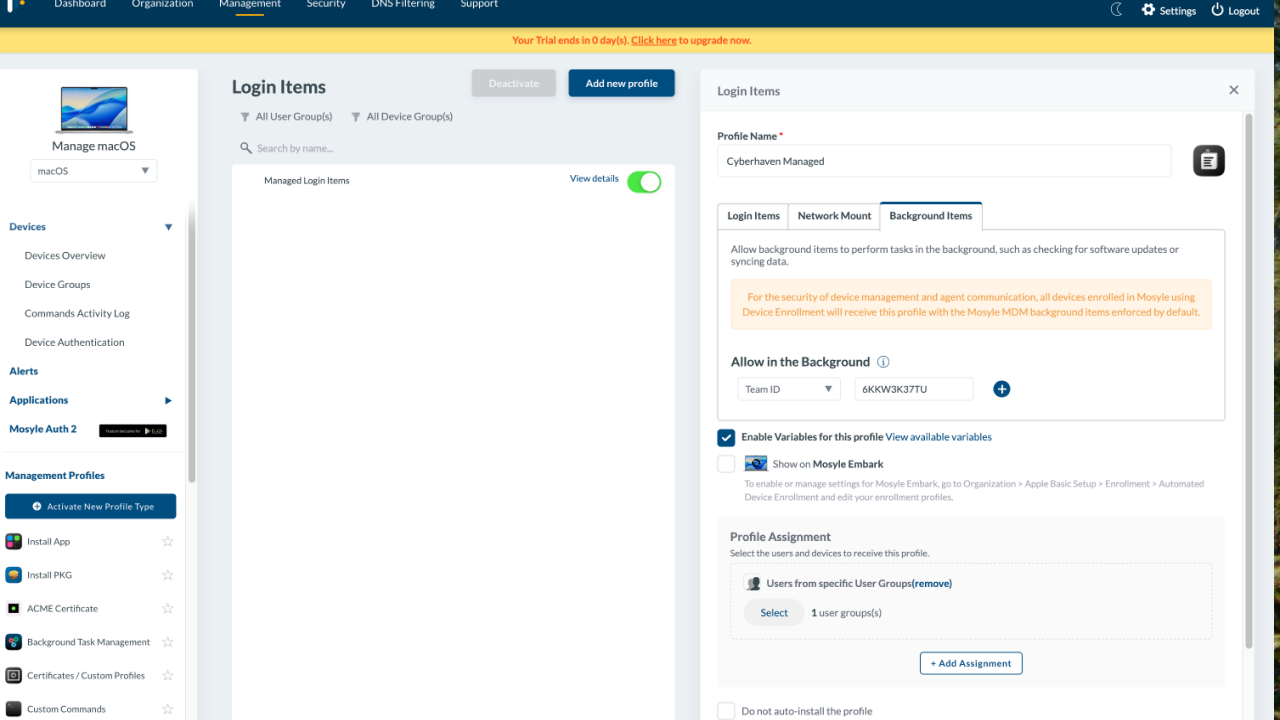
- Assign the profile to the appropriate devices or groups.
- Click Save.
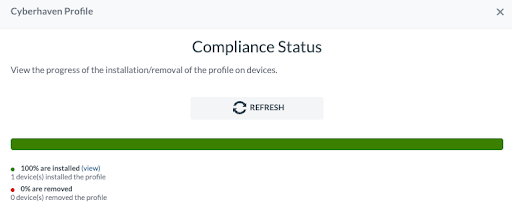
- Confirm the Compliance Status shows successful deployment of the profile.